
 |
|
IB Wave™
Perform Wireless Battery and Systems Tests From Your Tablet or Smartphone
STEP 1
Download the IB Wave Connect app.
For Apple devices, requires iOS 12.0 or later; Android devices, OS 5.1 or later.
Download for iOS ›
▶ Download for Android ›
Download for iOS ›
▶ Download for Android ›
STEP 2
Connect the IB Wave to a battery.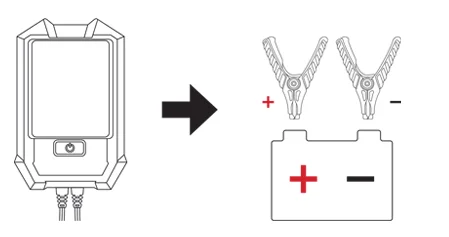
STEP 3
Make sure IB Wave is paired to a portable electronic device.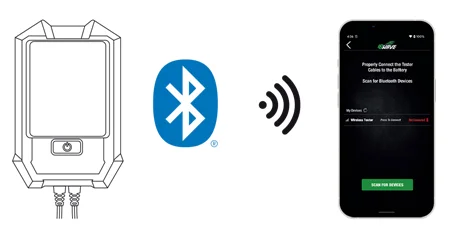
STEP 4
Time to test!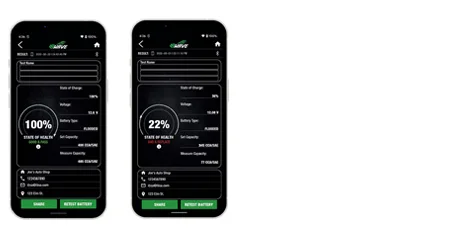

Find an Interstate Distributor
Hours of Operation
- Closed
- Contact Store For Hours of Operation
Products
Services
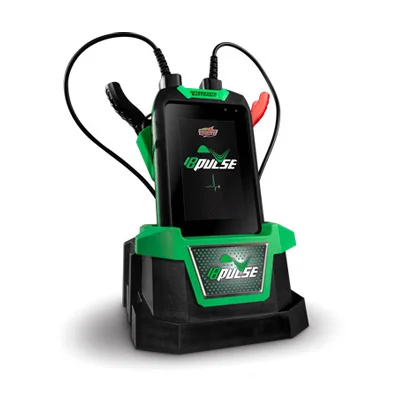
IB Wave vs. IB Pulse Battery Tester
Whether you’re looking for a handy tester that you can pair with a device like a tablet or a smartphone or looking for a heavy-duty commercial grade tester like the IB Pulse, Interstate is sure to have the right tool for all of your battery testing needs.
DOWNLOAD COMPARISON FLYER
DOWNLOAD COMPARISON FLYER

Offer Interstate Batteries in Your Shop
We're excited to hear from you! Fill out this brief form, and we'll contact you soon.